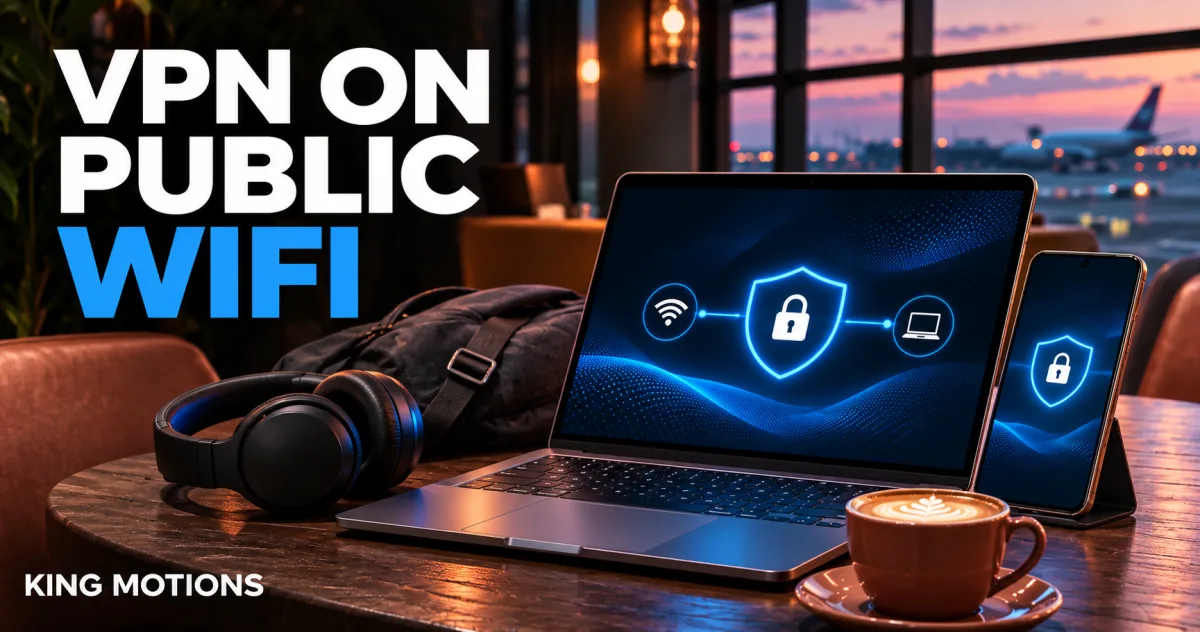
You are at a café, your laptop is connected and a client needs a file. Is public Wi-Fi automatically unsafe? Not necessarily. Modern websites commonly use HTTPS encryption, but the network name, the site you visit and the security of your own device still matter.
The US Federal Trade Commission explains that widespread encryption makes public Wi-Fi safer than it used to be. It also recommends checking for HTTPS and keeping devices updated. Read the FTC's current guide.
What a VPN can help with
A VPN sends supported device traffic through an encrypted tunnel to the VPN provider. This can reduce what someone on the local network can observe about that traffic. Your VPN provider becomes part of your trust decision: examine its privacy policy, security practices and the features included in the specific plan.
A VPN does not make you anonymous everywhere, verify that a website is legitimate, or prevent you from entering a password into a phishing page. It is one layer in a wider security routine.
A five-minute public Wi-Fi checklist
- Confirm the network name with the venue; do not trust a familiar-looking name alone.
- Use HTTPS websites and check the actual domain before signing in. HTTPS encrypts the connection but does not prove the site is honest.
- Update your device and browser, and use unique passwords and multi-factor authentication where possible.
- Consider a trusted VPN if you want its additional network privacy. Confirm that it is connected before opening sensitive work.
- Turn off automatic joining and unnecessary sharing on networks you do not control. Disconnect when finished.
When a VPN may be useful
It can be useful when travelling, working from shared locations or using an employer's approved remote-access setup. If your employer requires a specific VPN, use its instructions. For very sensitive work, a trusted mobile hotspot can be another option, but it still does not replace HTTPS or strong account security.
What to compare before buying
Check supported devices, renewal price, connection limits, refund rules and the provider's privacy documentation. Avoid choosing only by the number of server locations. You can compare the available NordVPN and Surfshark listings on King Motions; review each package's actual conditions before paying.
Can a VPN protect me from every scam?
No. A malicious website can still ask for your password or payment details. Verify links and use MFA regardless of your connection.