If you no longer need LinkedIn Premium, the first thing to check is where you subscribed. A plan purchased directly from LinkedIn may have a different cancellation route from one billed through an app store. Use the account and billing provider that actually owns the subscription.
Before you cancel
Find the next renewal date and identify the billing provider on your receipt or subscription settings. LinkedIn advises cancelling at least one day before the next billing date to avoid the next charge. A paid subscription generally remains active until the end of its current billing cycle; LinkedIn says cancelling a free trial ends trial access immediately. Always check the current terms shown to your account. LinkedIn cancellation instructions.
If you subscribed directly through LinkedIn
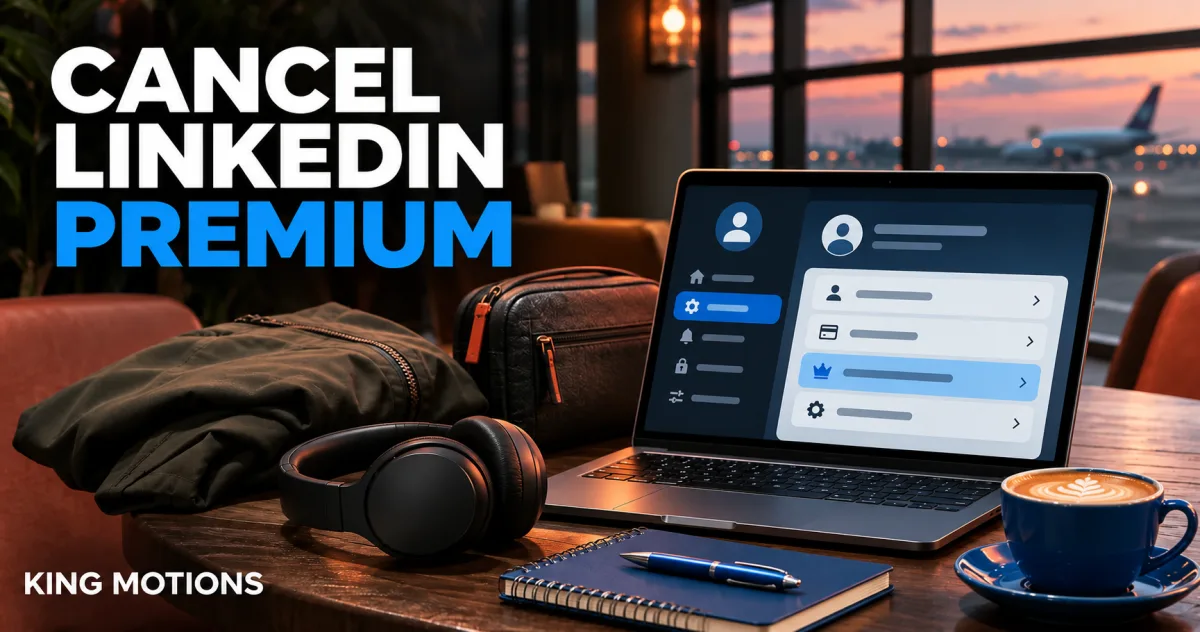
- Sign in to the LinkedIn account with Premium.
- Open your Premium features and choose Manage subscription.
- Find the active subscription under purchases or plan details.
- Choose the cancellation option and follow the prompts until you receive confirmation.
Menu names and available routes can change. If you cannot find the option, use LinkedIn's current help page rather than assuming the subscription has already ended.
If Apple or Google Play bills you
For an App Store purchase, follow the Apple subscription management route linked by LinkedIn. For Google Play, check Google Play subscriptions or the routes listed in LinkedIn's guide. The billing provider generally handles payment questions for its own purchases. Keep any cancellation confirmation until you have checked your next statement.
What happens to your profile?
According to LinkedIn, a paid plan normally returns to Basic after the current billing period. Your profile and connections remain, while Premium features and associated benefits end. Export or save information you are entitled to keep before access changes. See the LinkedIn cancellation FAQ for current details.
What if you purchased through a provider?
Check your order and contact the provider about renewal or access terms. Do not assume cancellation inside one service automatically cancels a separate seller arrangement. If you are reviewing options rather than cancelling, compare the LinkedIn Premium Career and Business listings.
Does deleting the app cancel Premium?
No. Removing an app from your phone does not itself cancel a billing agreement. Confirm cancellation through the appropriate subscription manager.