A kickoff call can feel productive while leaving everyone with a different idea of the project. The designer hears “new website,” the owner expects online sales, and the marketing manager mainly wants a better enquiry form. A Miro client kickoff workshop gives those assumptions somewhere visible to meet.
The aim of this 60-minute agenda is modest: agree the problem, choose a first outcome and leave with named next actions. It is a suggested workshop format for a small website or creative project, not a template that guarantees agreement.
Prepare six frames before the call
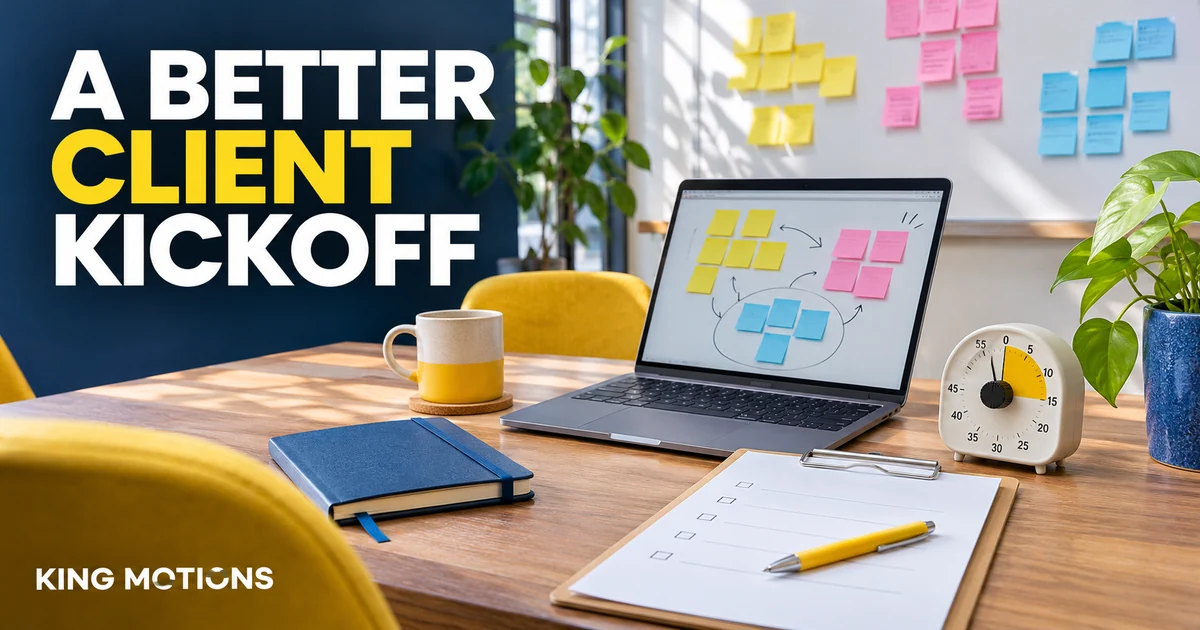
Create frames for the goal, audience, current problems, scope, decisions and actions. Add one short instruction to each. Give participants an example sticky note, then leave the rest of the board simple. A board filled with decorative diagrams can make a first-time client work harder to find the actual task.
Check sharing permissions from the participant's point of view. Confirm who can view, comment and edit. Keep private budgets, passwords and unrelated client material off the shared board. Send the link and a plain-text agenda before the meeting so someone with access trouble can still contribute.
Miro's workshops and meetings guide describes collaboration and facilitation options. Timer and voting availability can depend on the plan and permissions. Use the tools actually available in your workspace; a phone timer and a recorded choice can also keep this agenda moving.
A 60-minute agenda for a small client project
| Time | Activity | Output |
|---|---|---|
| 0–5 minutes | State the purpose and explain the board. | One shared question for the meeting. |
| 5–15 minutes | Write goals silently, then discuss. | One primary outcome and how to recognise it. |
| 15–25 minutes | Describe the audience and its task. | A specific user problem. |
| 25–40 minutes | Sort must-haves, later ideas and unknowns. | A first scope boundary. |
| 40–50 minutes | Resolve or assign the largest open decisions. | Decision owners and unanswered questions. |
| 50–60 minutes | Read back actions and dates. | A short written action list. |
Turn broad goals into an observable outcome
Consider a fictional Faisalabad furniture seller. “Make the website modern” is a preference, not yet a project outcome. Ask what the visitor should be able to do afterwards. The answer might be: find a product's dimensions and send an enquiry with the product name already included.
Write that task on the board. Then ask which existing problem blocks it. Perhaps dimensions are buried in image captions, or enquiries arrive without product details. You now have something the team can design and review without debating what “modern” means for half the meeting.
Allow silent writing before discussion. It gives quieter participants a chance to add information before the most confident person defines the problem for everyone. Group similar notes afterwards, but keep important differences visible.
Keep scope and unknowns in separate places
Use three columns: needed for the first outcome, possible later, and needs an answer. “Online checkout” might belong in the last column until the owner confirms fulfilment and payment requirements. Moving it to “later” too early can conceal an unresolved dependency.
Ask for examples rather than more adjectives. If someone requests an easy checkout, ask which step currently fails and what a successful order should look like. Record who will provide product data, approved copy, images and any integration details.
Close with actions someone can accept
- Use a person's name for each action, rather than “the team.”
- Describe a deliverable, such as five approved product photos.
- Record an agreed date and any dependency.
- Separate a decision from an idea that was merely discussed.
- Send a concise written recap alongside the board link.
Leave the last minutes for a read-back. Ask each action owner to confirm the task. If the decision-maker is absent, label the decision as pending instead of making the board look settled.
Choose workspace access after checking collaboration needs
Compare the current Miro packages by member access, workspace permissions and the facilitation features you need. A Starter or Business seller label does not by itself establish workspace ownership or unlimited participants. The Miro buying guide explains the package checks.
If the kickoff leads to a video campaign, the AI video storyboard guide turns the agreed brief into a shot plan. For the actual writing stage, compare Claude Pro and ChatGPT around a specific deliverable.
Workshop questions
Can I run this workshop without paid Miro features?
Use the board and collaboration features available to your account. You can keep time separately and record choices manually if built-in facilitation tools are unavailable.
What if the client cannot use the board?
Let them speak while the facilitator records notes, or send a plain-text version. The useful outcome is agreement, not making everyone master a new interface.
Should the kickoff finish the whole project plan?
No. It should establish a workable first outcome, key boundaries and the next decisions. Record unresolved matters instead of forcing false certainty.